How to record your name using Namecoach through Camino:
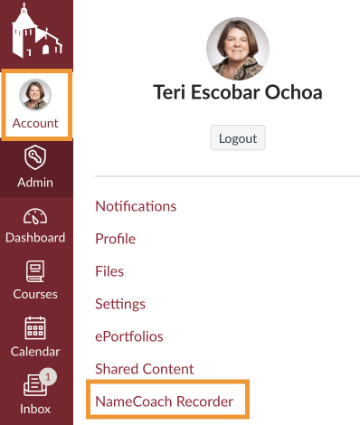
#1 - Click on your Account settings and select "NameCoach Recorder".
#2 - Click the "Record Name" button.

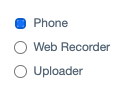
#3 - Use your phone or the web recorder to record your name. Use uploader if you prefer to upload an audio file.
#4 - Click "Submit and Finish".

How to find and listen to student Namecoach recordings:
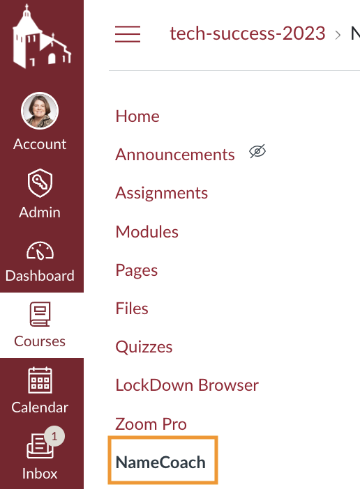
#1 - Using the course navigation select "NameCoach".
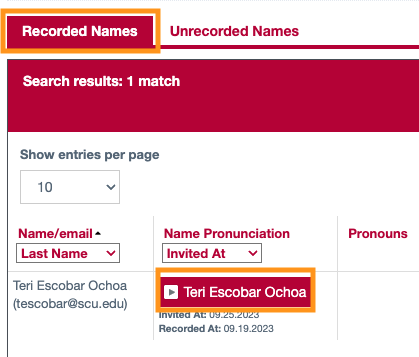
#2 - Students who have recorded a name are on the first tab. You can also use the search box to search for a specific student recording.

#3 - Click on the play button to listen to a student recording.