How to record your name using Namecoach through the phonebook profile:
#1 - Find your user profile in the upper right corner of MySCU Portal.
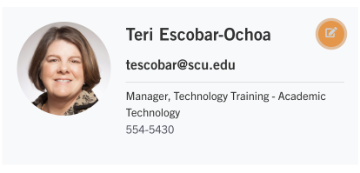
#2 - Click on the "Edit my profile" icon.

#3 - Click on the blue "Update Name Pronunciation" button.

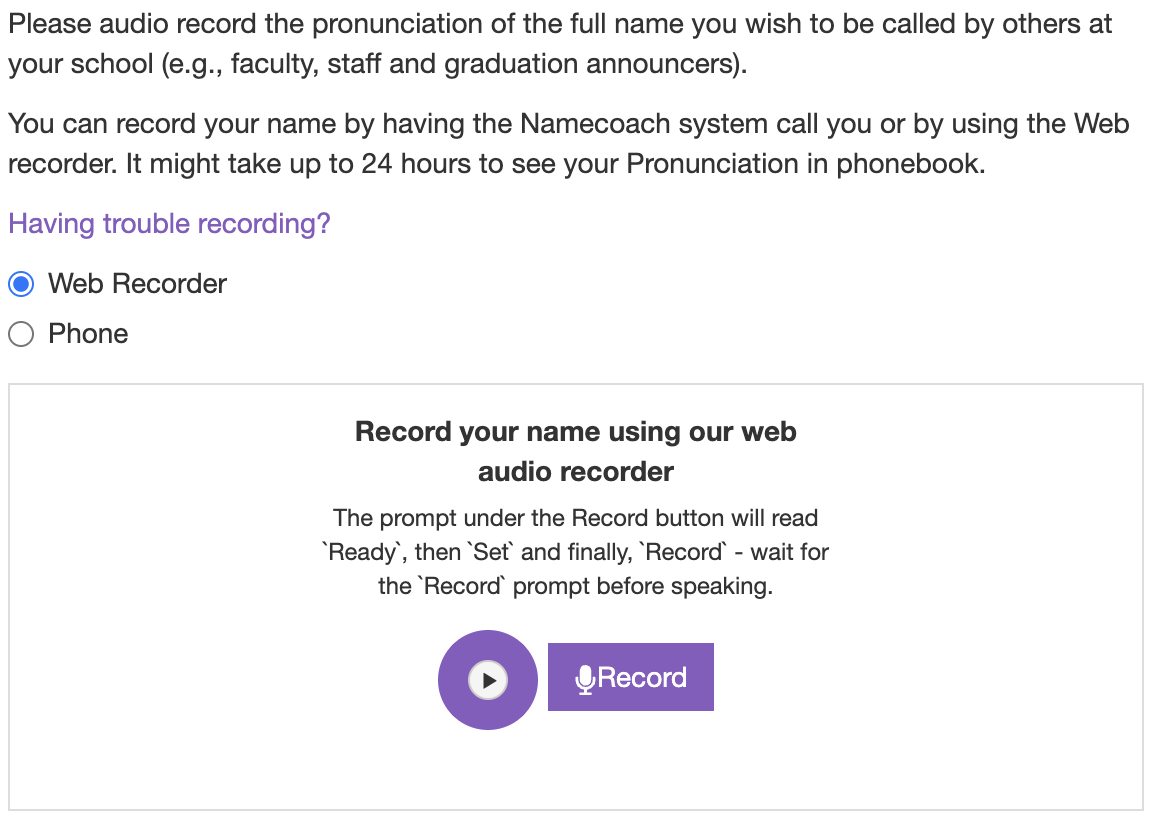
#4 - Use the Web Recorder or your phone to record your name. Click Save Changes.
How to listen to a Namecoach recordings:
Find an employee in the SCU Phonebook (phonebook.scu.edu) and click on the play button.