Alert icon Use Chrome or Firefox for OOD
- For best results, access OOD using Google Chrome or Firefox.
- Safari may have access issues and is not recommended.
To log in:
- Navigate to the OOD Portal – Open your web browser and go to the WAVE HPC’s OOD web address at
https://scu-ood.wave.scu.edu/ - Authenticate – Log in using your HPC account credentials in the browser pop up. Use the same credentials you use for your SCU SSO.

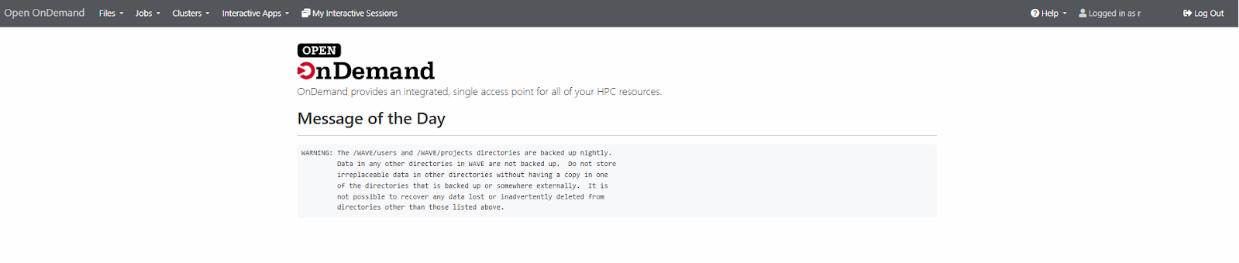
- Access Your HPC Environment – Once logged in, you can access your files, submit jobs, open an interactive desktop, and launch pre-configured HPC applications directly from the web interface.