Cybersecurity Training
Santa Clara University requires faculty & staff to complete Cybersecurity Training annually to comply with federal regulations like the Gramm-Leach-Bliley Act (GLBA), which applies to SCU because of financial aid transactions. The Safeguards rule (part of GLBA) requires that we evaluate the risk to our systems, put in place controls that address those risks, and consider employee training as one of those risk controls.
This training covers essential topics such as phishing awareness, password best practices, and how to identify and respond to suspicious activity.
Student Participation in Training
While cybersecurity training is primarily required for faculty and staff, students may also be enrolled for a variety of reasons, including:
-
Employment as a student worker or graduate assistant
-
Being part of a department or program that handles sensitive information
-
Having their SCU account compromised
-
Clicking on a phishing simulation or malicious email
Participation in training helps students strengthen their cybersecurity awareness and develop habits that protect both their personal and University data.
Access Instructions:
CLICK HERE to access the Cybersecurity Training. You will log in with your SCU account.
Once you've logged into the training platform, you'll see a landing page that lists your current assignment on top; this assignment consists of 10 modules. Additional modules, which are optional, are listed beneath the assignment. Click on the Start Assignment button to begin.
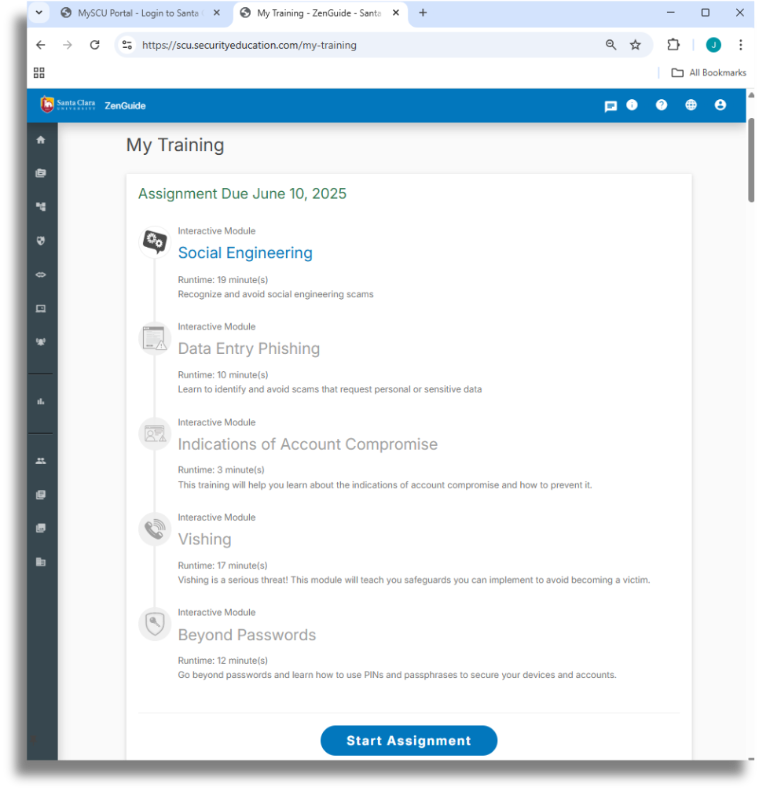
You do not have to finish the training in one sitting. There is no pause or save button, but if you close the window, the system will remember where you left off. When you come back through the portal, you'll be able to resume (The button will change to Continue Assignment).
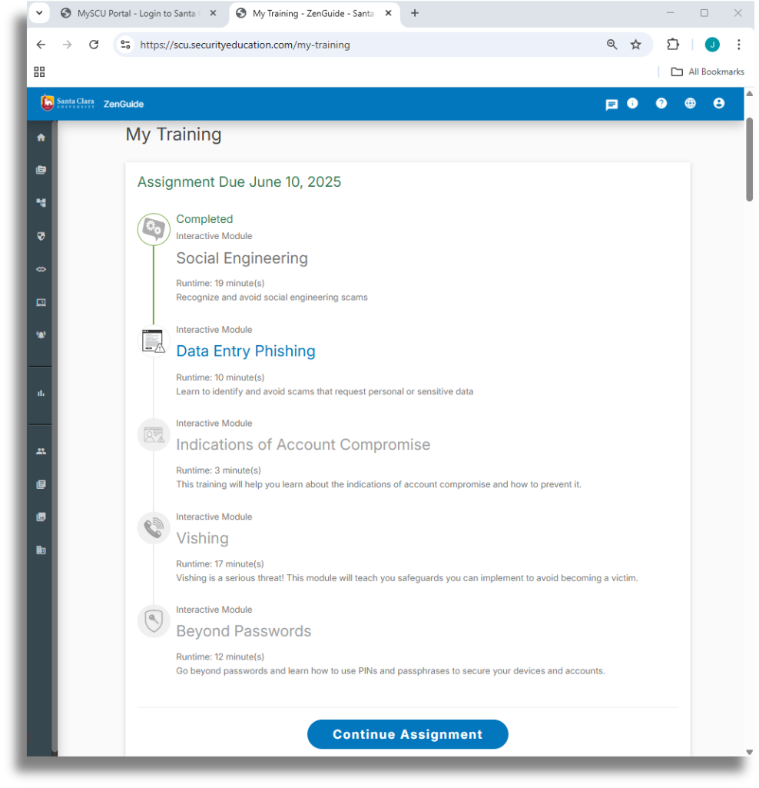
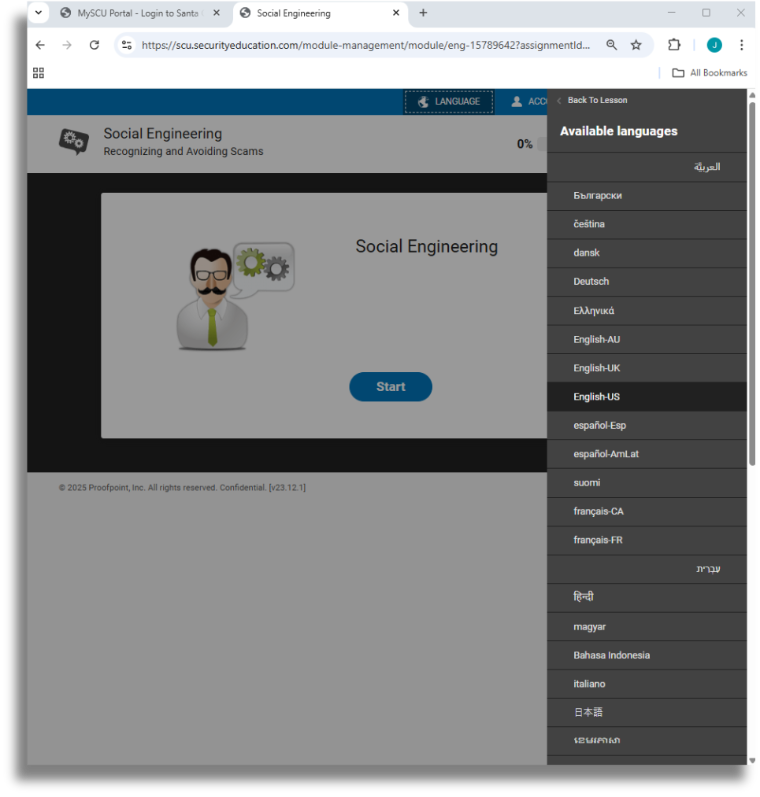
You can change the language by clicking on the "LANGUAGE" button on the top right of the training window.
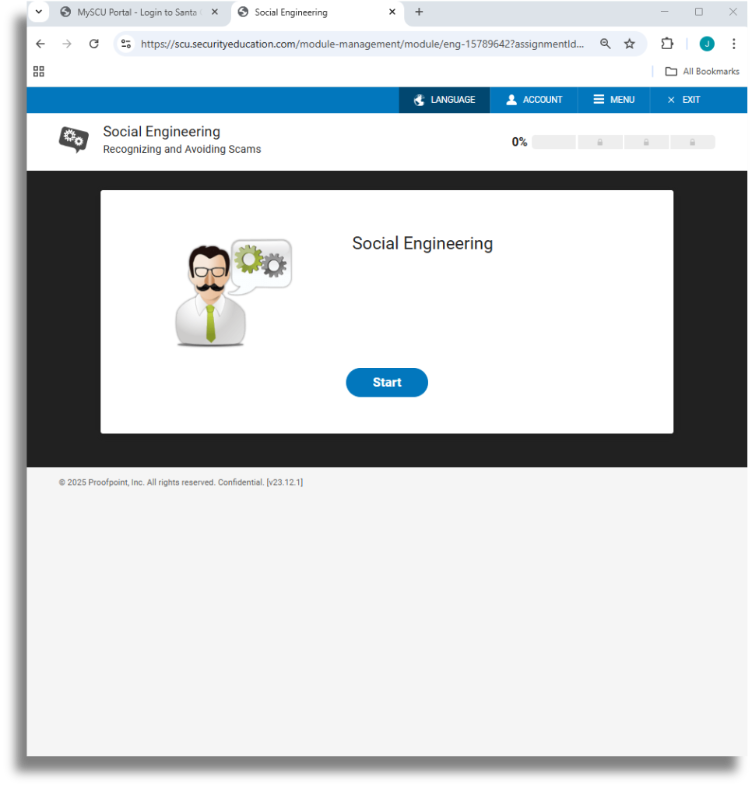
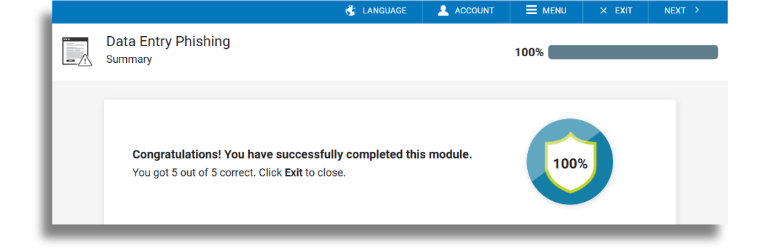
At the end of the module assignment, you will see your score, which is not shared with anyone. You can close the window to exit or click next to move on to the next module. Once you complete all your modules, your training assignment will be marked as completed. Additionally, you're able to come back to the training platform at any time during the year to take the optional training modules.