Workday Access for Former Employees and Students
-
Go to Workday directly rather than the SCU Login page at: https://www.myworkday.com/wday/authgwy/scu/login.htmld?redirect=n
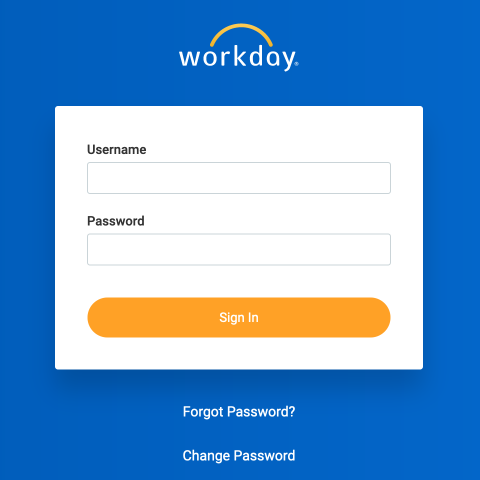
It should look like this:
-
Enter your Username. Your Username is your 11-digit employee/student ID number. For example, 00001234567.
-
Enter your Password.
-
If needed, select “Forgot Password”. You will be asked to enter your Username (11-digit employee/student ID number, e.g. 00001234567) as well as the Email on file at SCU in our Workday system (your local Home email address which is not your former SCU email address but perhaps your personal GMail account). After entering your ID number and Home email, you will receive a one-time reset to your Home email address.
-
If your email address has changed, you will need to contact the SCU Technology Help Desk for assistance, https://www.scu.edu/technology/computing-services--support/
Additional Details
Password requirements:
- Your new Password must not be the same as your current Password or Username
- The minimum number of characters required is 12
- The following character types must be represented:
- Alphabetic characters
- Uppercase characters
- Lowercase characters
- Arabic numbers 0-9
- Special characters
- The Password must not have been used within the previous four passwords
Former SCU employees needing to retrieve W-2 tax forms, please see the HR user guide: https://www.scu.edu/media/offices/human-resources/documents/workday/My-Tax-Documents-W-2.pdf