Standard 13" MacBook Air
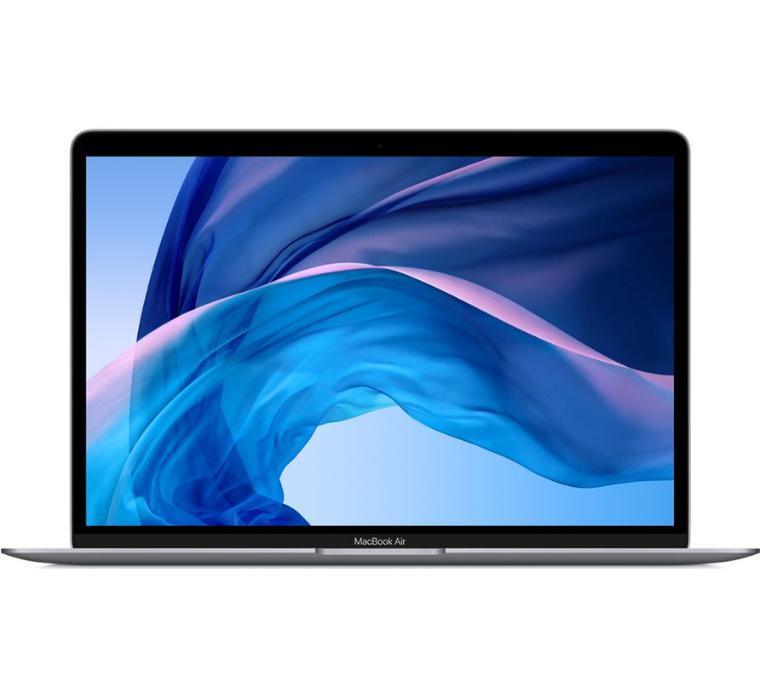
Note: Parallels and Bootcamp will no longer be supported. If you need to use Windows, we recommend you select a Windows based computer.
Note: The Apple MacBook Air only has "USB-C" / Thunderbolt ports. These are special USB ports which are not compatible with older USB devices. You will need to purchase a USB-C adapter in order to use older USB devices. Apple USB-C to USB Adapter (Apple) Apple USB-C to USB Adapter (Amazon)
Department Cost
$1,300
Processor
Apple M1 Chip
(8-core CPU, 7-core GPU)
(8-core CPU, 7-core GPU)
Memory
16 GB (cannot be upgraded after purchase)
Hard Drive
256 GB SSD Storage
Video Card
Apple Integrated Video
The Plugable 14-in-1 USB-C and Thunderbolt Dock allows Apple M1 chip computers to use dual displays.
The Plugable 14-in-1 USB-C and Thunderbolt Dock allows Apple M1 chip computers to use dual displays.
Display
13.3" Widescreen Retina Display (2560 x 1600)
Keyboard
Backlit keyboard
Warranty
4 Years AppleCare
- NOTE: The battery warranty is 1 year. Battery replacement after 1 year is a department cost and not covered under warranty.


- 802.11ax Wi-Fi 6 wireless
- Bluetooth 5.0
- 2 x USB-C Thunderbolt 3 / USB 4 ports
- Headphone jack
- Width - 12.0 inches
- Depth - 8.4 inches
- Height - 0.2-0.6 inch
- Minimum Weight - 2.8 pounds
To order the Standard 13" MacBook Air (no quote needed):
- Log into Workday (use VPN if off campus)
- Create a requisition
- Connect to Supplier Website
- Choose the Apple Standard Catalog and Connect
- Choose the Buy Now button for the Standard 13" MacBook Air and complete your purchase.
For further information on using Workday to purchase computers, please visit
https://www.scu.edu/controller/workdayfinancials/training/training-topics/