Accessing files recorded on the local computer
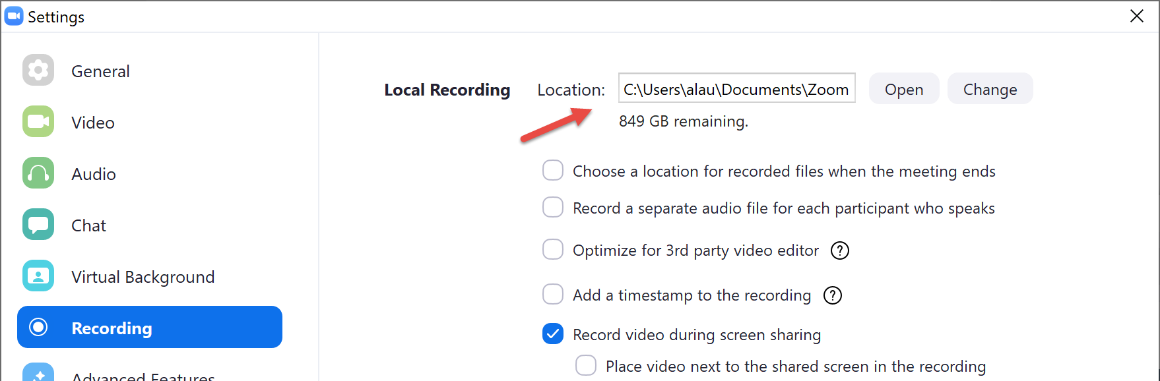
By default, your recordings will be available under Documents\Zoom folder.
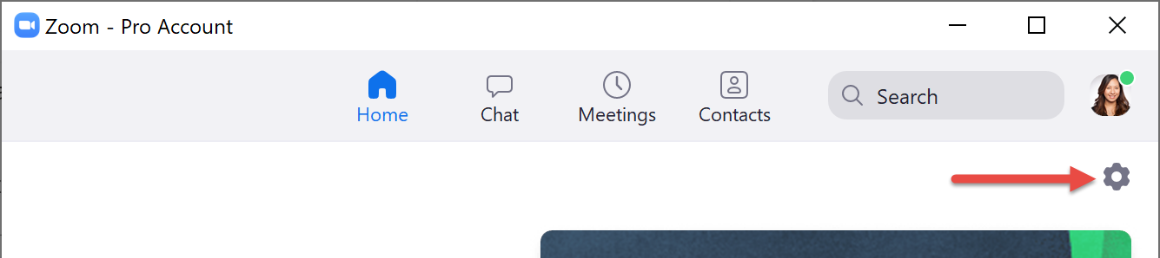
You can log into Zoom desktop client > Settings.
Click the Recording tab to see where your recordings are stored on your computer.
Click Open to open the file folder
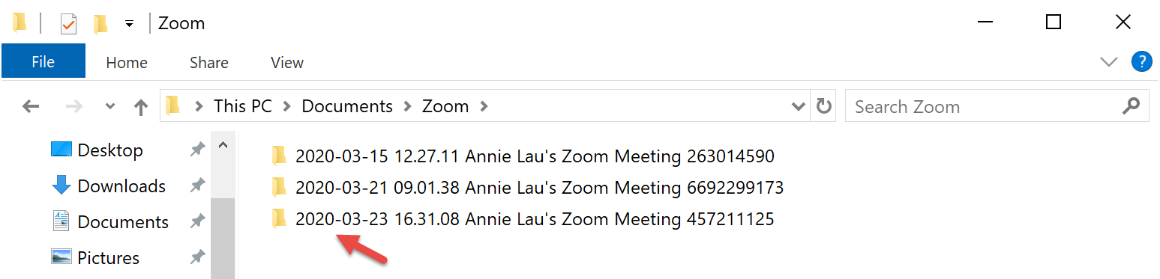
Once you open the folder you will find your recordings sorted by recording date/time. Open the desired folder and locate the .mp4 file.
For training on advanced features and troubleshooting, please contact Media Services.