SCU New Student: User Guide and FAQ
The Jesuit tradition is about educating the whole person—mind, body, and soul—and preparing students to create a more just, humane, and sustainable world. The New Student Survey is a pilot instrument to learn personal aspects of our new students (e.g. resilience, well-being, leadership, cultural competence) that are not fully captured during the application process yet contribute to student success.
Submit a Question, Feedback or Request
Please submit your questions, feedback, or requests for additional data via InstitutionalResearch@scu.edu
Helpful Features
|
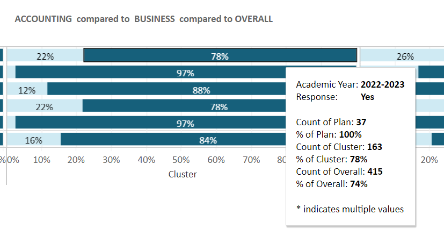
Hover Over Bars to See Details |
 |
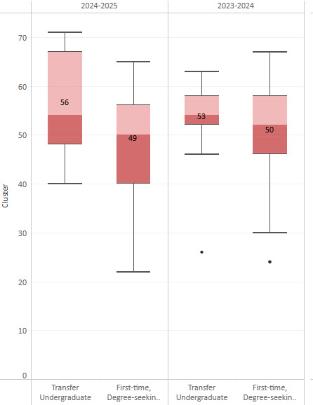
| Reading Box & Whiskers |
|
|
Click to Highlight Specific Data |
 |
|
Filter Data |
 |
|
Response Rate by Plan |
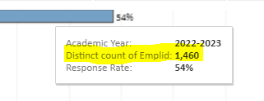
The bar graph will show the percentage of students who responded to the survey. To see the total number surveyed, hover over the bar graph. (In the example below, 1,460 students were surveyed, and 54% responded.)
|
|
Downloading |
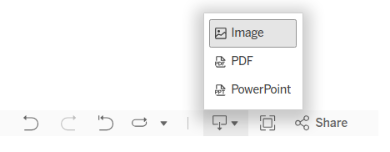
Step 1: Click the Download icon in the bottom right corner. 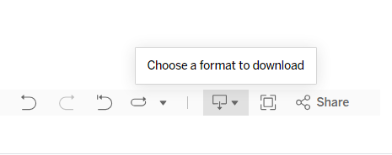 Step 2: Choose a format to download.
|