Contents on This Page
If you need help with any of our design templates or libraries, please contact Colin Buckner, Art Director in University Marketing and Communications.
Canva Templates
Explore our extensive collection of Canva templates, thoughtfully designed to help you produce high-quality, on-brand content in minutes. Each template reflects our visual standards, making it easy to maintain consistency and professionalism across all communications.
Our Canva template library continues to grow as we expand our collection of branded resources.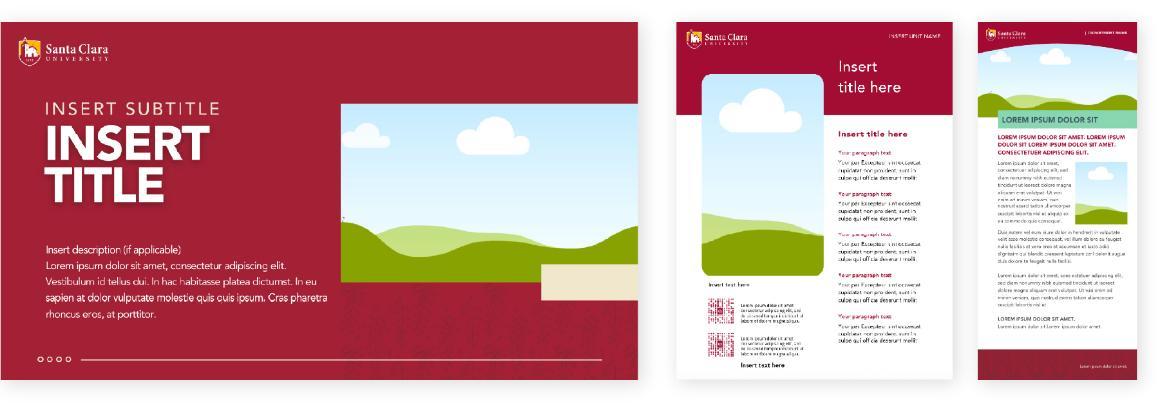 Examples of Canva design templates—from left to right—presentation, flyer, and rack card.
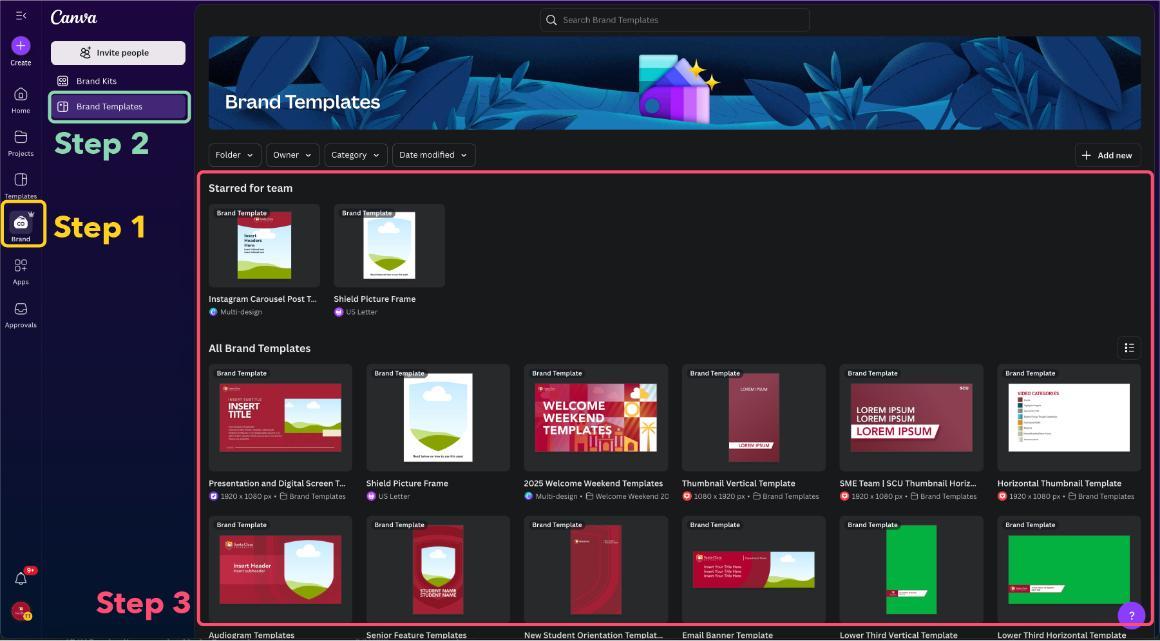
How to access Canva templates
Step 1: Click the "Brand" button on the left sidebar.
Step 2: Select "Brand Templates" from the menu.
Step 3: Browse the available templates, choose your preferred one, and click "Use this Brand Template" to create your own copy.
Google Slides Templates
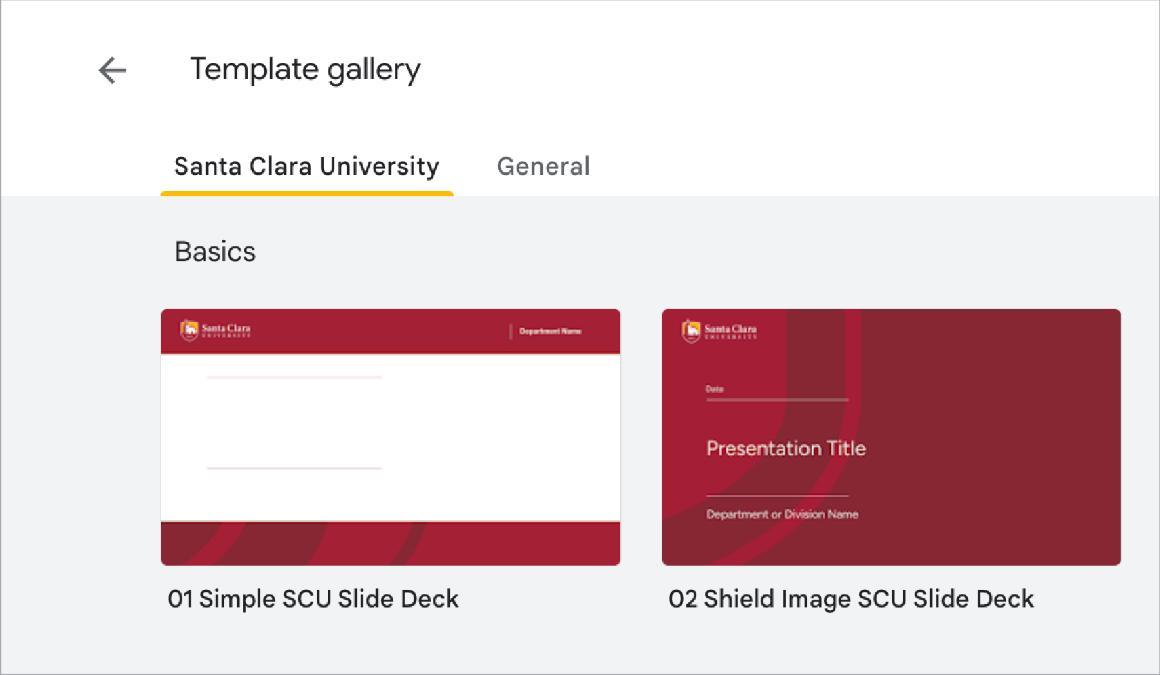
If you don’t have access to Canva, we also offer a selection of Google Slides presentation templates.
Note: Please use only the “01 Simple SCU Slide Deck” and “02 Shield Image SCU Slide Deck” templates. The remaining templates belong to our partners and are not intended for public use.
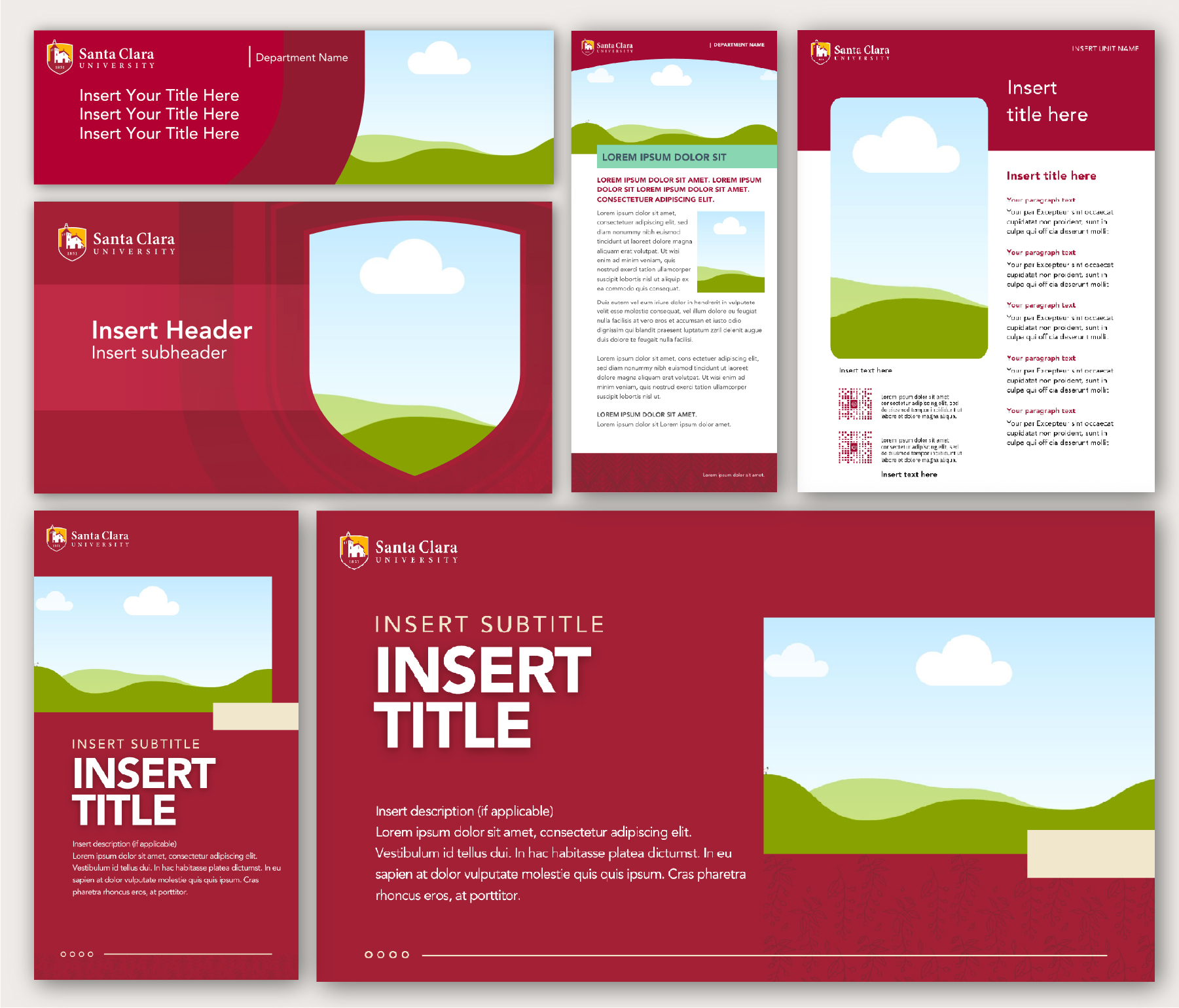
Adobe Library Templates
We provide a selection of approved design templates in the Adobe Library for anyone who doesn’t have access to Canva or Google Slides. Since Adobe is a professional design tool, it can be a bit complex to use. Please make sure you’re familiar with the basics of Adobe software before working with these templates to prevent accidental changes to the original files.
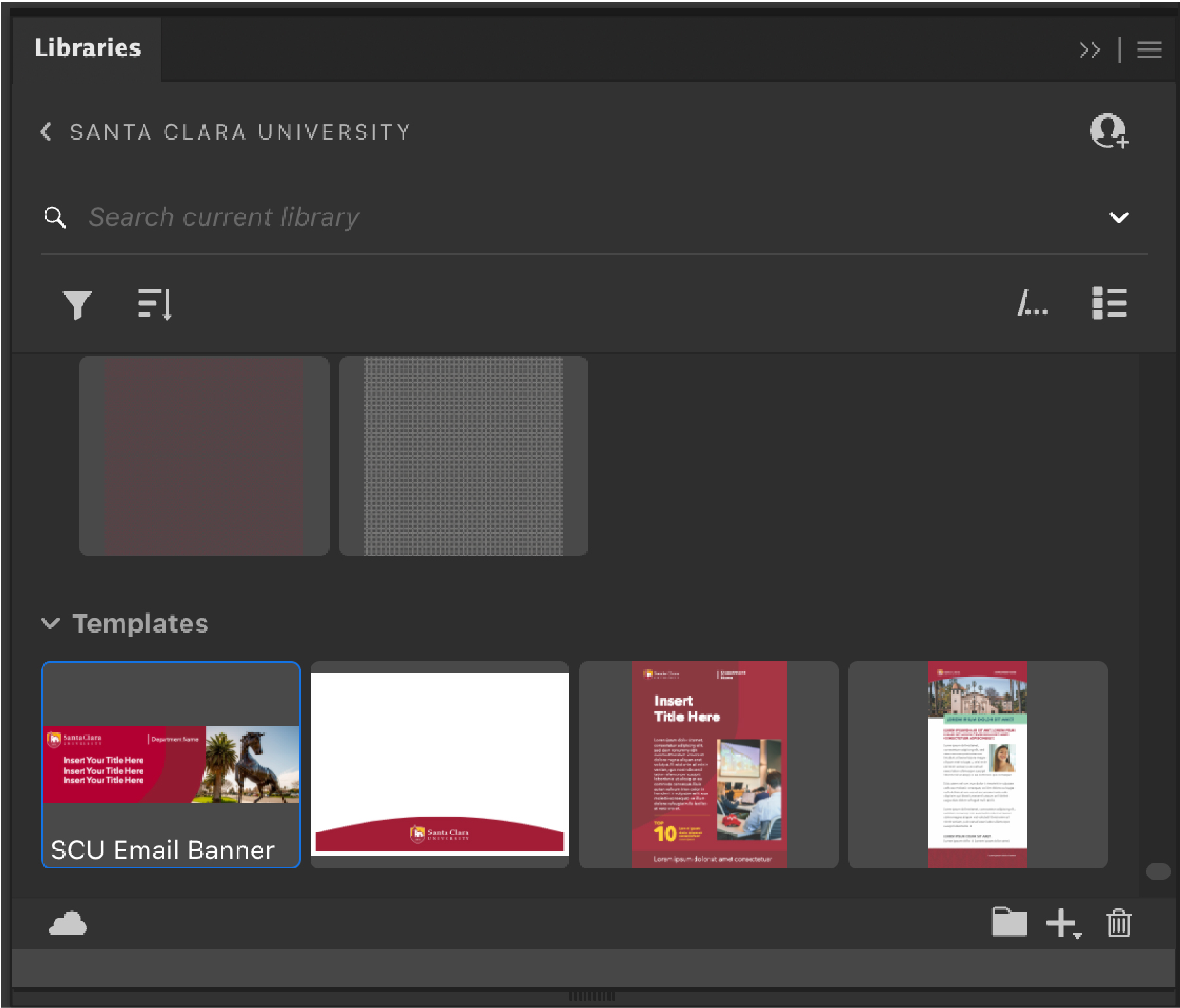
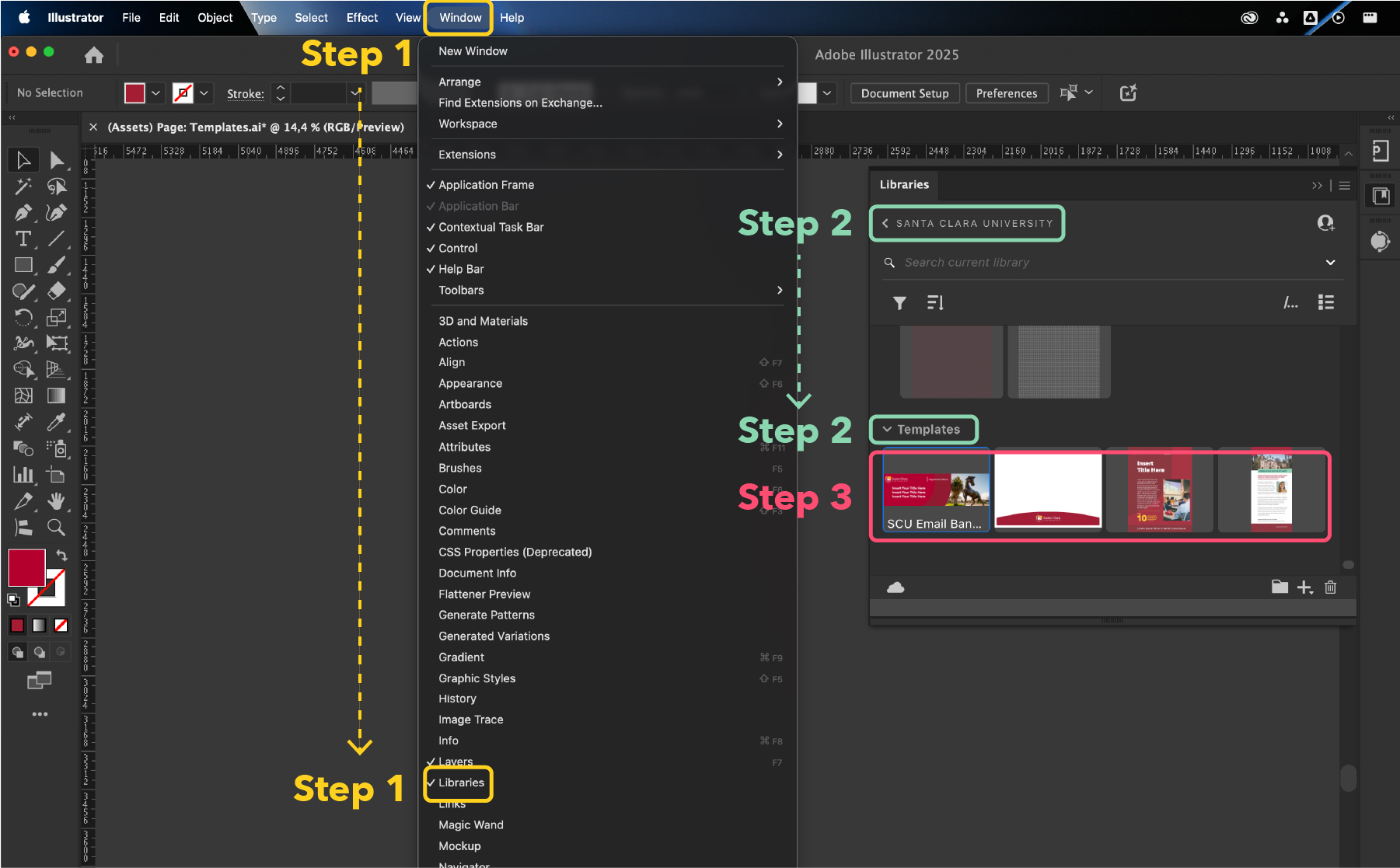
How to access Adobe Library templates
Step 1: Click the "Window" on the top bar and choose "Libraries."
Step 2: In the "Libraries" window menu, select "Santa Clara University" and scroll down to the bottom for the "Template" section.
Step 3: Double-click on the desired template to open the AI file. Please "Save a copy" before making any edits. Do not save your edits to the original file.