There are a couple ways you can use text-to-speech in Camino.
Immersive Reader
The Immersive Reader in Camino can read aloud pages and highlight text as it does so. You can also use it to customize the font and background color.
To use the Immersive Reader, activate the “Immersive Reader” button located at the top of the page.
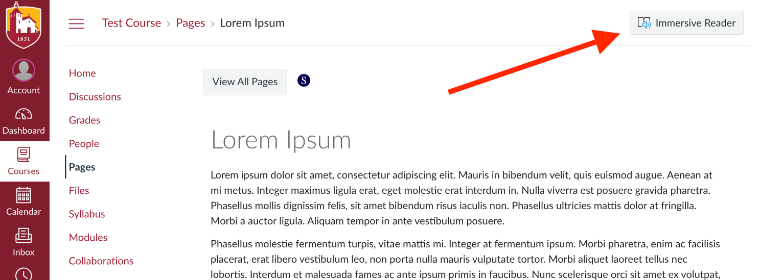
Please note that Immersive Reader only works with webpages and won't work with documents that have been uploaded to Camino.
SensusAccess Conversion Tool
We have integrated a conversion tool from SensusAccess into Camino. You can use this tool to convert pages and documents in Camino into a variety of alternative formats including ebooks and MP3 files that you can listen to.
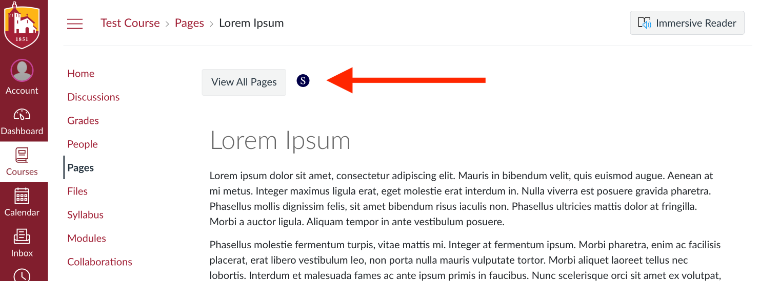
To use this tool, look for the “S” icon in Camino:
This tool is integrated into Camino, but you can also use it via the SCU website: Convert Files into Alternative Formats.