(877)728-4338
*For more information, visit the Scholar Share website: Scholar Share
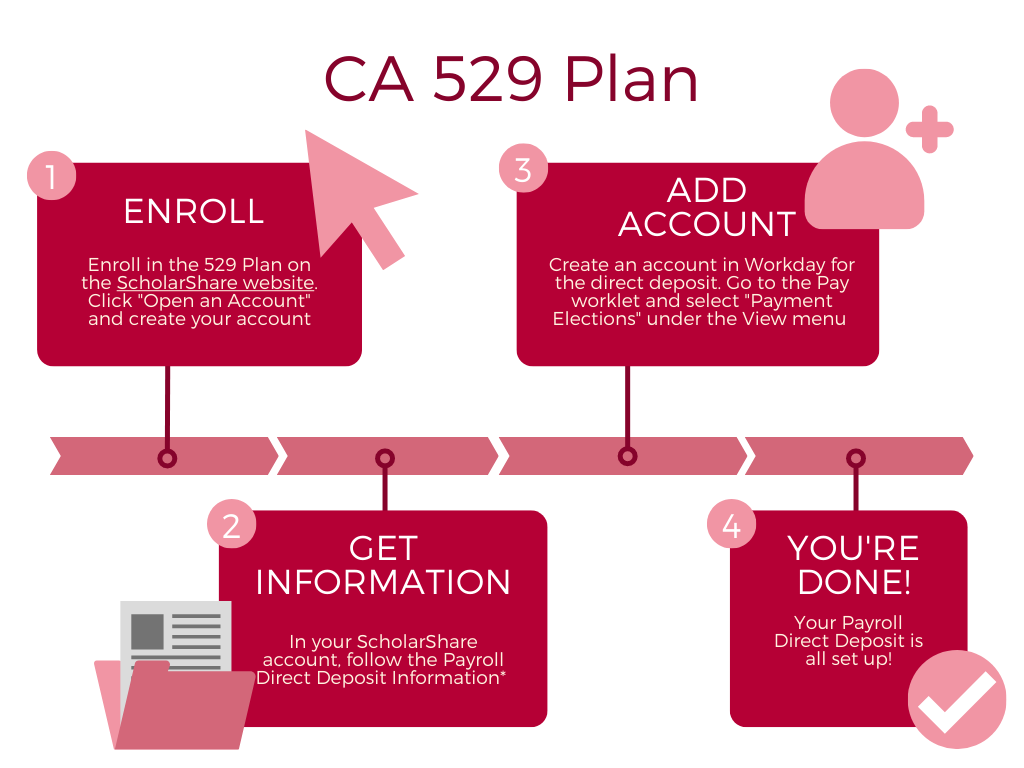
This College Savings program allows you to open an account on behalf of a beneficiary that you name. The money you contribute via a payroll deduction is invested in special portfolios designed to meet the needs of your designated beneficiaries and different kinds of investors. Please review the steps below on how to create a 529 plan.
Step 1: Enroll in 529 Plan with ScholarShare
Visit the ScholarShare website for further information about creating an account. Scholar Share
Step 2: Obtain Direct Deposit information from ScholarShare
Login to your ScholarShare account and following the Payroll Direct Deposit information. Further information can be found on the ScholarShare website: ScholarShare
Step 3: Add account via Direct Deposit in Workday
Once you've completed steps 1 and 2 you can create an account in Workday for the direct deposit. Go to the Pay worklet and select "Payment Elections" under the View menu. To view a "how to" video please refer to this video: How To Set Up Payment Elections